Having data is extremely important for marketers. But are you visualizing your data in the right way? Such skills will allow you to unlock appraisable value for your business. That’s why the combination of Google Data Studio and SEMrush is exactly what you need.
It’s even more valuable now that we’ve added one more connector for Google Data Studio to generate a Site Audit Overview report telling you how many technical errors, warnings and notices SEMrush found on a website.
What metrics can I track?
Now you can track multiple metrics in your GDS reports related to the technical health of your site:
Overall health score;
The number of technical issues, divided by severity (errors, warnings, and notices);
The number of technical issues, divided by category (crawlability, HTTPS, international SEO, linking, performance);
The number of pages, divided by status (healthy, have issues, have redirects, broken, blocked).
These metrics can be visualized compared to the previous time period, which will allow you to track your progress over time.
How to Connect?
To set up the Site Audit connection, you need to have an existing Site Audit Project in SEMrush. Once you configure and run your Site Audit, you will see it in your drop-down list here. Alternatively, you can enter the Project ID.
Once you choose the Project you want to connect to Data Studio, you’ll be able to choose which details to include in your report.
The issues that Site Audit can present about a site will be broken down into five groups to make it easy to digest results quickly:
Crawlability
Performance
Linking (internal and external)
International SEO (use of hreflang)
HTTPS (security)
Choose which ones you want to have available when you build your report and click “Create report” when you’re ready:
We recommend that you use the Site Audit connector in combination with two other SEMrush connectors, Domain Analytics and Position Tracking. This will allow you to assess a great number of SEO metrics available only in SEMrush, such as backlinks, organic and paid visibility, and a detailed breakdown of organic and paid search positions.
Semrush’s New Traffic Insights Explains Changes In Competitor Traffic Performance
New AI-powered Traffic Insights in Traffic Analytics help teams identify competitor traffic spikes and drops, understand the drivers, and act faster.
Product News
June 11, 2026
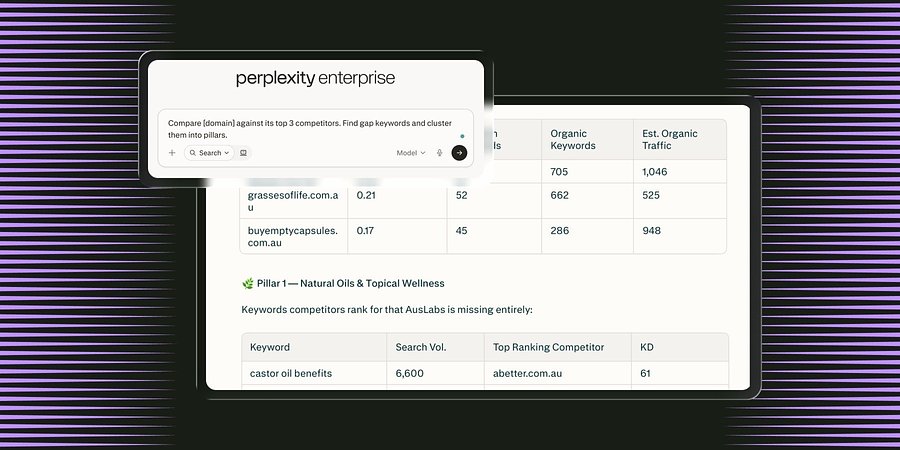
Semrush Launches MCP Connector in Perplexity, Integrating Search Intelligence Within the AI Search Engine
The new Model Context Protocol (MCP) connector enables all Perplexity users in Computer to access Semrush’s search intelligence data natively inside the LLM platform to boost brand visibility.
Product News
June 3, 2026
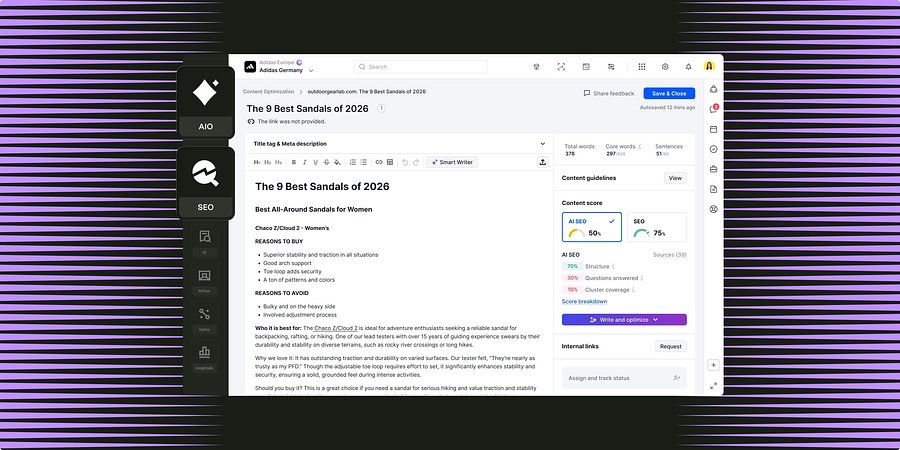
Semrush for Enterprise Unifies Content Optimization Capabilities Across SEO and AI Search
New workflows shared between Enterprise SEO and AI Optimization enable teams to grow brand visibility through high-performing content for both search channels.