SEMrush Sensor now gives you data on the Google ranking volatility of the exact keywords you’re interested in! That way you can quickly check what’s going on in Google search results in your particular niche and immediately take action.
To get this data, be sure you have a project set up in Position Tracking. Go to SEMrush Sensor and click on ‘Projects,’ where you can find a list of your Position Tracking campaigns.
The great news is that you can track ranking fluctuations for your keywords separately for each location and device according to your settings in Position Tracking. Keep in mind that the more keywords you have in your project, the more precise and reliable the Sensor data is!
Your Personal Score and the Sensor Score are calculated using the same formula, so you can compare data and check if an entire SERP is suffering from ranking volatility or just your keywords.
Important: The Personal Score feature is available only for paid users, or you can request a SEMrush free trial.
What do you think about this update? Share your thoughts with us at sensor-feedback@sr03.myamztools.com, and stay tuned, as more updates are coming!
Check how your keyword rankings fluctuate in Google
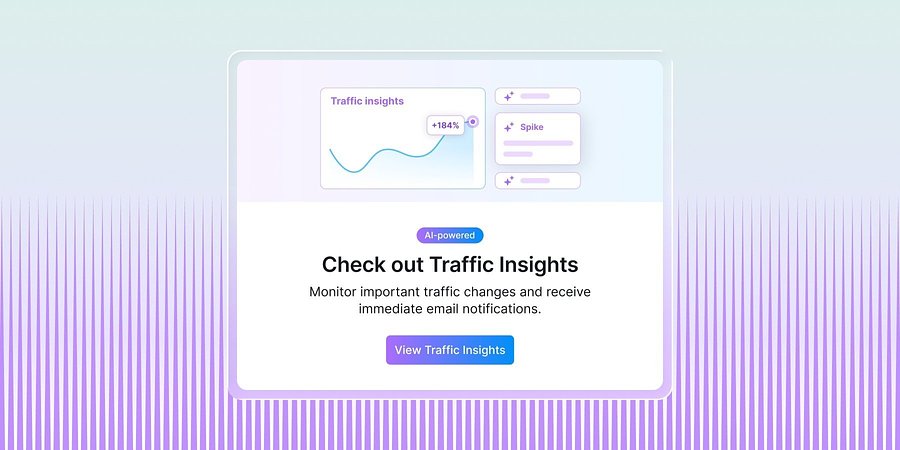
Semrush’s New Traffic Insights Explains Changes In Competitor Traffic Performance
New AI-powered Traffic Insights in Traffic Analytics help teams identify competitor traffic spikes and drops, understand the drivers, and act faster.
Product News
June 11, 2026
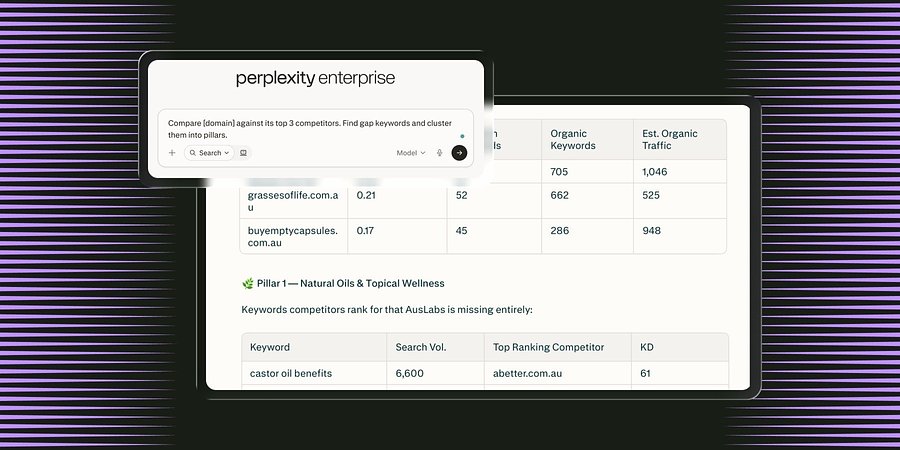
Semrush Launches MCP Connector in Perplexity, Integrating Search Intelligence Within the AI Search Engine
The new Model Context Protocol (MCP) connector enables all Perplexity users in Computer to access Semrush’s search intelligence data natively inside the LLM platform to boost brand visibility.
Product News
June 3, 2026
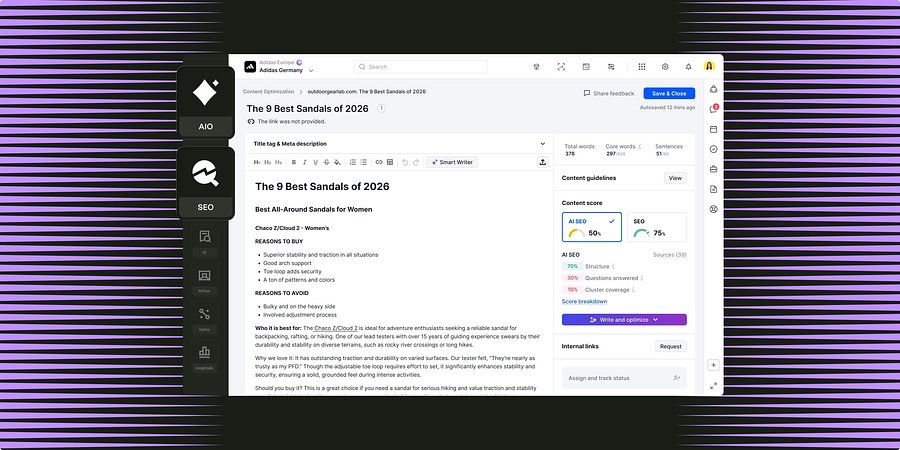
Semrush for Enterprise Unifies Content Optimization Capabilities Across SEO and AI Search
New workflows shared between Enterprise SEO and AI Optimization enable teams to grow brand visibility through high-performing content for both search channels.